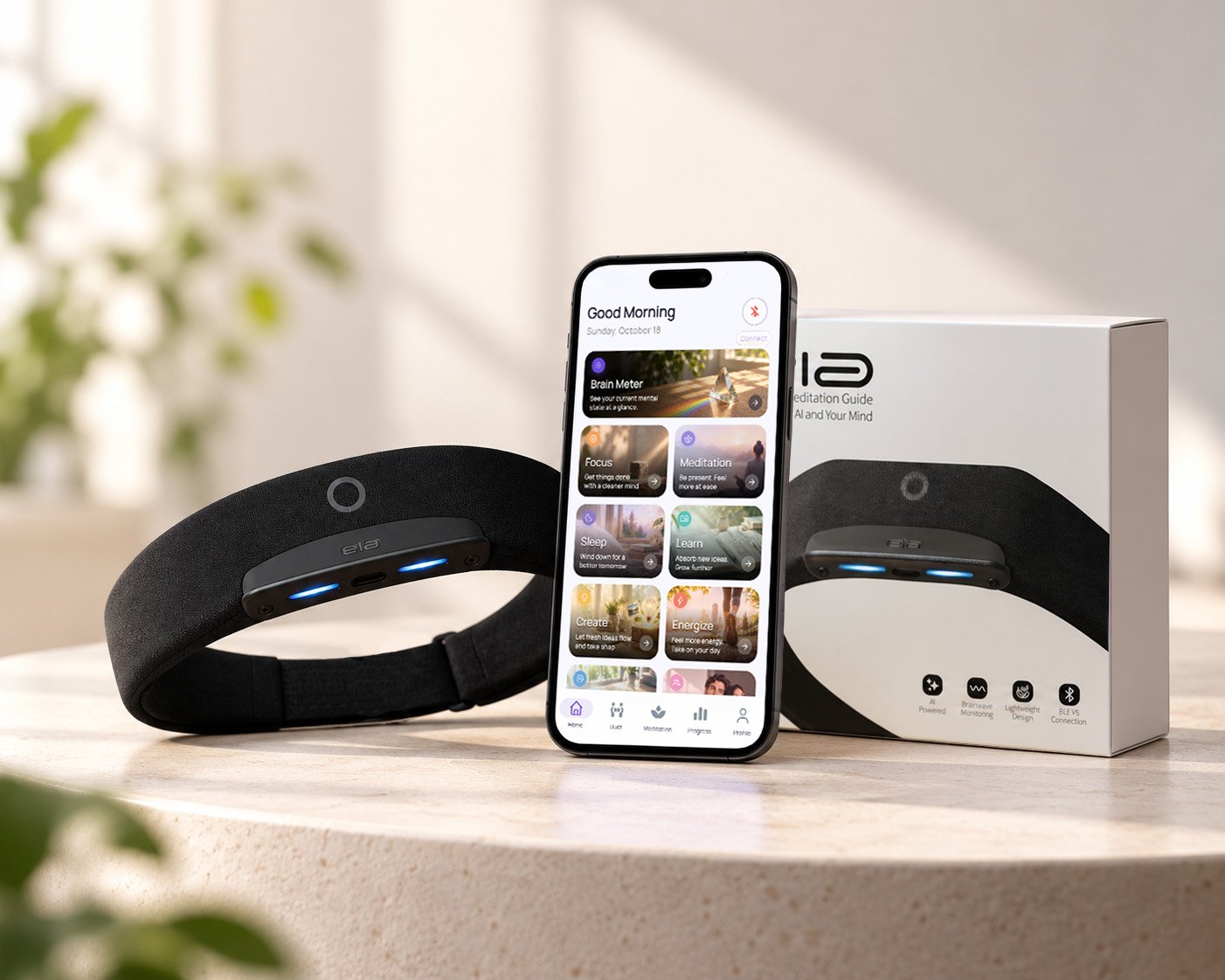
Begin Your Journey with ela
Experience calm, focus, and recovery powered by real EEG brain‑sensing technology.
Your ela headband is ready to use right out of the box, this guide helps you set up, connect, and start your first session effortlessly.
Unbox Your ela
Inside the box:
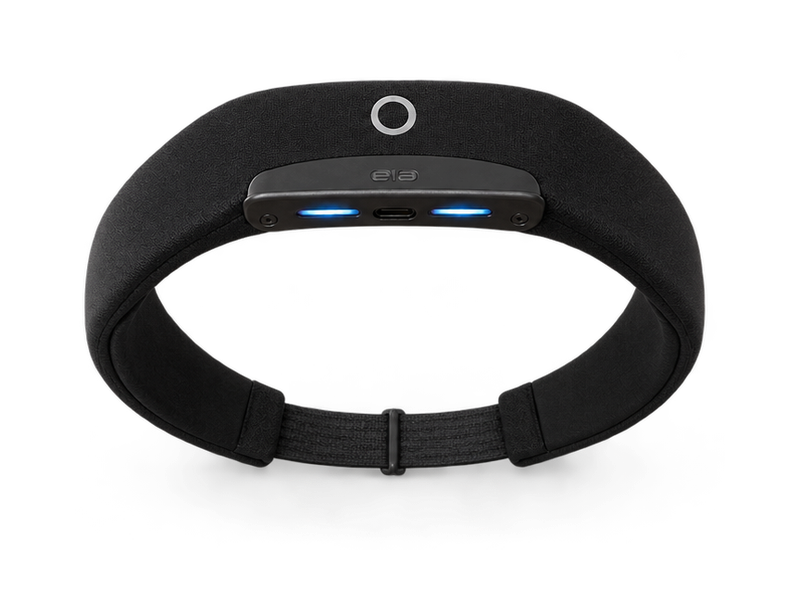
- ela Smart EEG Headband
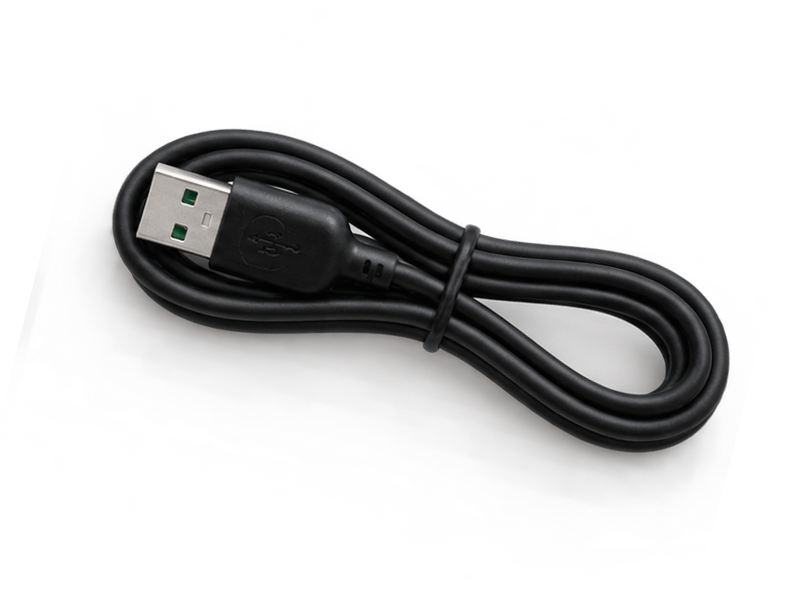
- Charging Cable
- Quick Start Card
1. Charging Your ela Headband
Your ela headband comes partially charged and ready for your first experience. If the battery runs low, simply connect it with the included cable and let it fully charge before your next use.
2.Wearing The Headband
Place the headband gently on your forehead with the LED lights facing down. Adjust the strap until the headband fits securely and rests comfortably on your forehead.
Tips for better contact
- Keep hair away from the forehead sensors
- Clean your skin before use if needed
- Do not wear the headband too loosely or too tightly
A correct fit improves signal quality and helps the app interpret your brain activity more accurately.
3. Power and Pairing
Power on the headband by pressing and holding the button for 3 seconds, and make sure Bluetooth is enabled on your phone. Install the app and follow the in-app instructions.
4. Connect To ela Headband
Connect the ela app to your headband via Bluetooth. The in-app tutorials will guide you through the steps.
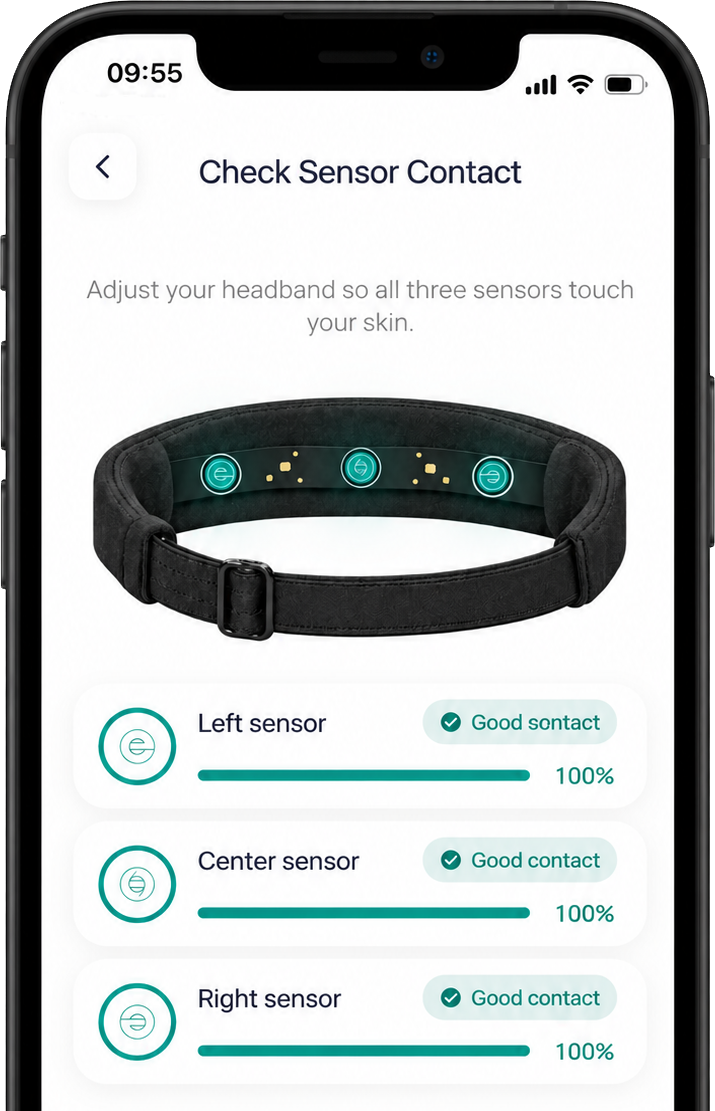
5. Sensor Signal Verification
After wearing the headband, the application performs a sensor signal check to verify that the electrodes are making proper contact with the skin.
During this step, three circular indicators on the screen represent the status of the three EEG electrodes. Each indicator changes color based on signal quality:
- Green: Good contact and stable signal
- Orange: Weak signal
- Red: Noisy or unstable signal
The user should adjust the headband until all three indicators turn green, indicating that the electrodes have proper contact with the skin.
During this process:
- Remain relaxed and still
- Avoid touching or moving the headband
- Wait while the application evaluates the signal quality
Once all three electrodes show a green status, the system automatically proceeds to the next step.
After successful signal verification, the application displays real-time brain activity data.
The interface presents the EEG signal waveform along with calculated brainwave frequency bands, including:
- Delta (δ) – associated with deep sleep
- Theta (θ) – associated with relaxation and meditation
- Alpha (α) – associated with calm and resting states
- Beta (β) – associated with active thinking and focus
- Gamma (γ) – associated with higher cognitive processing
These signals allow the user to observe their brain activity in real time during the session.
6. Environment Recommendations
For optimal EEG signal quality, follow these recommendations:
- Choose a quiet and comfortable environment
- Remove hats or large earrings
- Ensure hair does not cover the forehead sensors
- Maintain a stable posture during the session
- Using earbuds or headphones may help improve concentration
7. Setup Completion
Once setup is complete, your ela headband and app work in sync, prepared to record real‑time brain activity and support focus, calm, and emotional recovery.
Tap Finish in the app to start your journey toward balance.
8. Relax and Begin training
You’re ready. Choose a session in the app and begin.
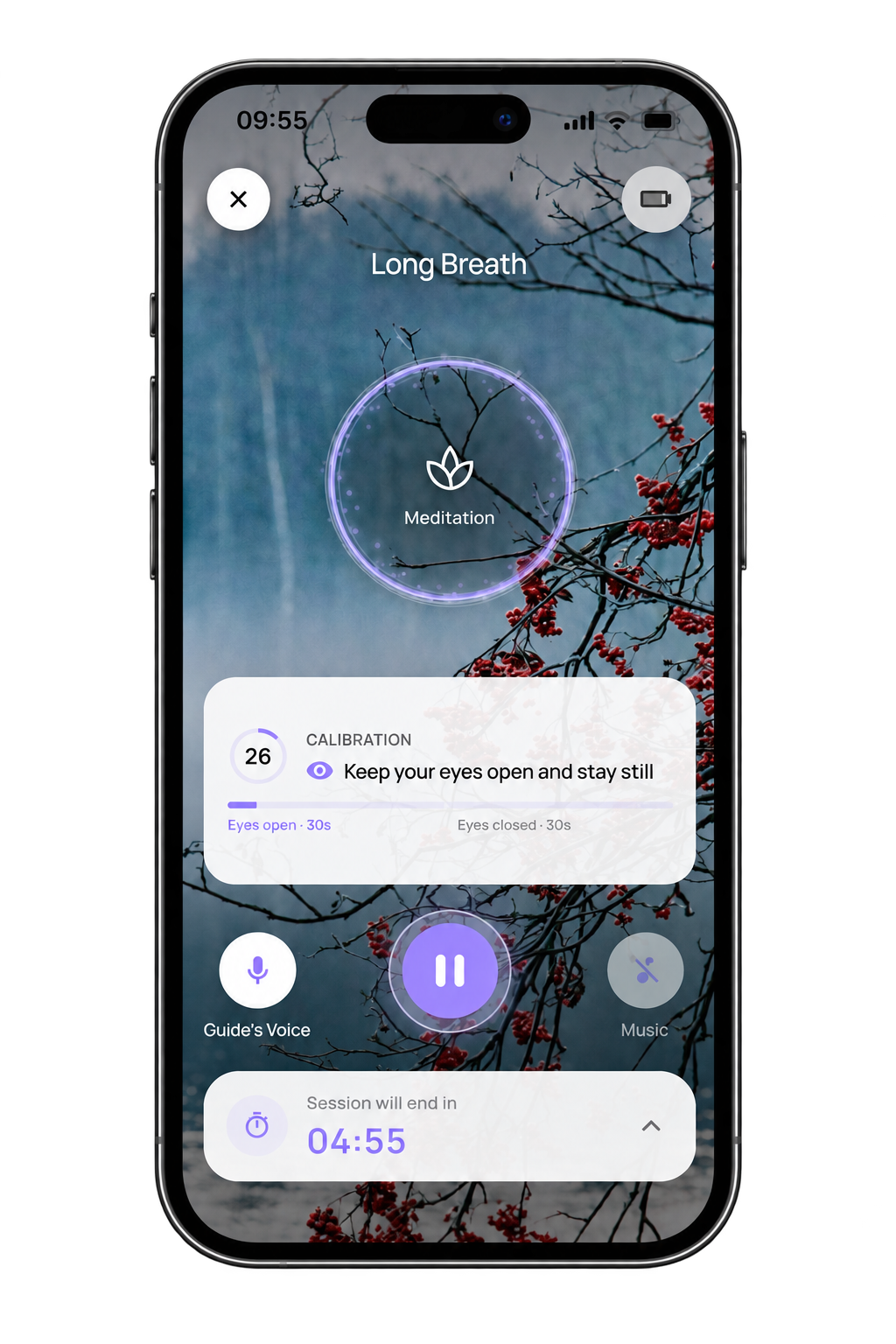
Close your eyes if comfortable, breathe slowly, and let ela guide you through adaptive session using your brain activity in real time.
What to expect
- Gentle audio cues when you’re relaxed
- Subtle tones to help you refocus when distracted
- Dynamic guidance based on live EEG feedback
9. Review Your Results
After each session, view a clear summary of your progress.
Your report includes:
- Calm level and relaxation score
- Time spent in deep focus
- Real brainwave patterns (Alpha, Theta, Beta, Gamma.)
Use these insights to track growth and understand your mind’s rhythm.
10. Care for Your ela Headband
Keep your device clean and protected to ensure long‑term reliability.
- Power off the headband
- Wipe the sensors gently
- Store it safely in its original box
Download ela app
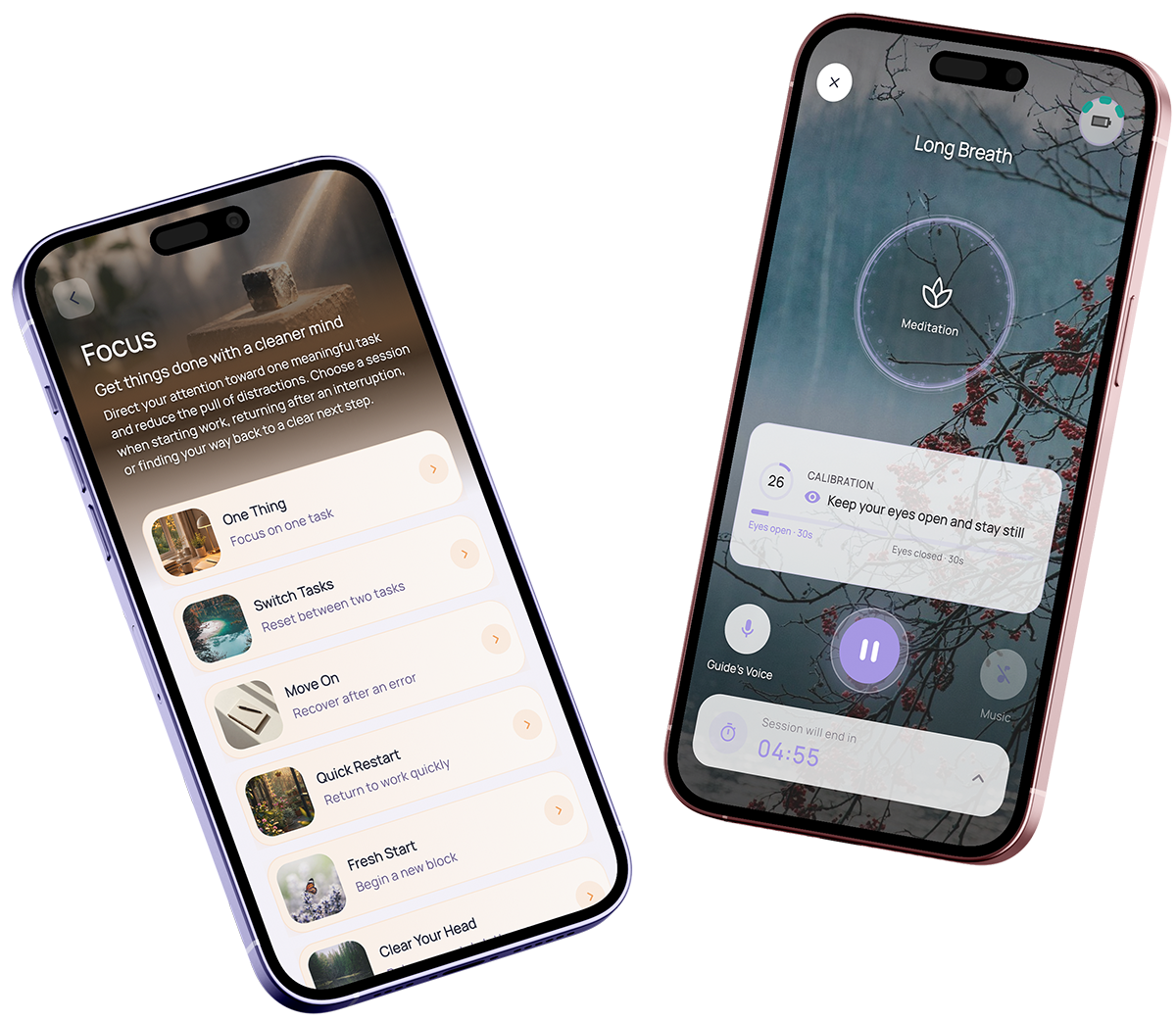
The ela app connects with your headband to understand your brain activity in real time. Guided by an AI coach, it offers personalized exercises tailored to your current mental state, helping you relax, focus, and build lasting mental balance.